The email was four words long. "Can we add search?"
The client had a content-heavy site. Hundreds of pages. Visitors were bouncing because they could not find what they needed. Search was the obvious fix. The project manager estimated two days. The architect estimated three weeks.
The architect was right.
The Request vs. The Reality
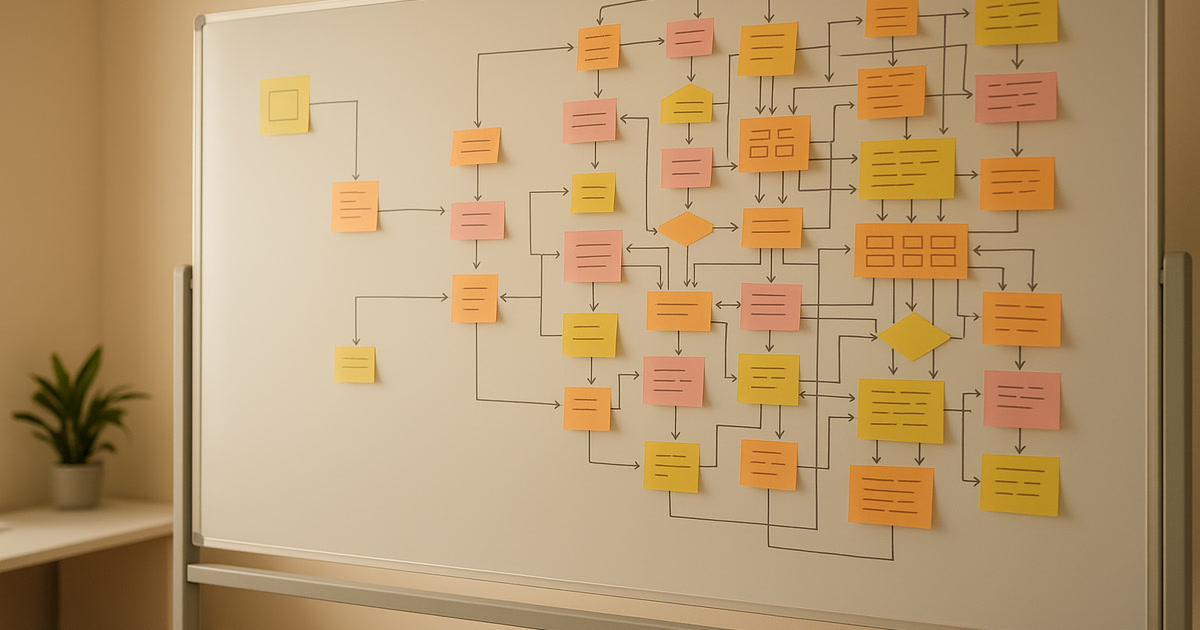
"Add search" sounds like one feature. It is not. It is a stack of decisions disguised as a single sentence.
Here is every decision that came out of "can we add search," in the order we hit them:
1. What kind of search? Full-text search across all content? Just page titles? Blog posts only? Products? PDFs? The client said "everything." That word costs more than any line item on a contract.
2. Where does the search index live? Client-side filtering works for 50 pages. This site had 800. That means a server-side index. Which means choosing a search engine, configuring it, and keeping it in sync with the CMS.
3. Autocomplete or no? The client saw autocomplete on Amazon and assumed it was standard. It is not standard. It is a feature that requires a suggestion index, debounced API calls, keyboard navigation, and accessibility handling. We said yes because it felt small at the time.
4. Fuzzy matching. Users misspell things. A search bar that only returns exact matches feels broken. So now we need fuzzy matching with configurable tolerance. Too loose and results are garbage. Too tight and users get nothing. Finding the right threshold took a full day of testing.
5. Result ranking. Not all results are equal. A product page match should rank higher than a blog post from 2019. That means weighted scoring. Title matches beat body matches. Recent content beats old content. We built a scoring model that took half a sprint to tune.
6. Mobile UX. On desktop, the search bar sits in the header. On mobile, there is no room. Do we use a magnifying glass icon that expands? A full-screen search overlay? A slide-down panel? Each option has different implementation costs and accessibility implications. The team debated this for two meetings.
7. The empty state. What happens when search returns nothing? A blank page with "no results" is a dead end. We added suggested categories, popular pages, and a "did you mean?" prompt. That is three separate components for a state most people do not think about until they see it.
8. Search analytics. The client wanted to know what people were searching for. That means logging queries, tracking result clicks, and building a dashboard. Now search is not just a feature. It is a data source.
9. Rate limiting. Autocomplete fires on every keystroke. Without rate limiting, a fast typist sends 10 API requests per second. Multiply that by concurrent users and the search server falls over. We added debouncing on the client and rate limiting on the server.
10. Caching. Common searches should not hit the index every time. We added a cache layer with TTL expiration. Then we needed cache invalidation when content changes. Cache invalidation is one of the two hard problems in computer science, and we were solving it for a "simple" search bar.
11. Accessibility. Screen readers need to announce search results as they update. The autocomplete dropdown needs ARIA attributes. Keyboard users need to navigate results without a mouse. Focus management has to work correctly when the search overlay opens and closes. This is not optional. It is a legal requirement for many businesses.
12. Loading states. Search results take time. What does the user see while waiting? A spinner? A skeleton screen? Nothing? Each choice affects perceived performance. We went with skeleton placeholders, which meant building another component.
13. URL handling. Should search queries be in the URL? If someone searches for "winter jackets" and shares the link, should the recipient see the same results? Yes. That means search state lives in query parameters, which means handling browser back/forward, and making sure the page renders correctly on both client and server.
14. Content sync. When the client publishes a new page, it should be searchable. Not tomorrow. Now. That means webhooks from the CMS to the search index, with retry logic for failures, and a manual re-index option for when things get out of sync.
Three Sprints Later
The search bar shipped. It works well. Users find what they need. The client is happy.
But it was not a two-day feature. It was three sprints of work touching the frontend, the backend, the CMS, the hosting infrastructure, and the analytics stack. It required decisions from the client, the designer, the frontend developer, the backend developer, and the DevOps engineer.
All from four words.
Why This Keeps Happening
Scope creep is not about bad clients. It is about the gap between what a feature sounds like and what a feature actually requires.
Non-technical stakeholders think in outcomes. "I want search." Technical teams think in systems. "Search means indexing, ranking, caching, accessibility, analytics, and sync."
Neither perspective is wrong. But when the conversation stays at the outcome level, estimates are too low, timelines slip, and everyone gets frustrated.
The Word That Causes the Most Damage
The most expensive word in any project brief is "just."
"Can you just add search?" "Can we just move this section?" "Just make it responsive." "It's just a small change."
"Just" means "I assume this is easy." It compresses an unknown amount of work into a word that implies it should take five minutes. It skips the discovery phase entirely.
When a client says "just," they are not being difficult. They are telling you they do not know what the work involves. That is your job to explain. Before you start building.
What We Do Differently Now
We scope before we estimate. When a client asks for a feature, we do not give a number. We ask questions first. What does "search" mean to you? What should it search? What happens when there are no results? Do you need analytics? Every answer changes the scope.
We break features into decisions. A feature is not one thing. It is a list of choices. We document every choice before writing any code. The client sees exactly what they are buying.
We flag the word "just." Not to be difficult. To protect the timeline. When someone says "just," we treat it as a signal that the scope has not been defined yet.
We estimate in ranges, not points. "Search will take 2 to 6 weeks depending on these 8 decisions" is more honest than "search will take 2 weeks." The range communicates uncertainty. A single number hides it.
The Real Lesson
Scope creep is not a people problem. It is a communication problem. Features sound simple because language is compressed. "Add search" is a sentence. Building search is a project.
The fix is not to say no to features. It is to expand the sentence into a list of decisions before anyone writes a line of code. If the list is longer than the client expected, that is not a failure. That is the process working.
Next time someone asks for "just a small change," ask them to define "small." The conversation that follows is worth more than any estimate you could give without it.